
Free Online Guitar Metronome
A guitar practice metronome built for timing, control and speed.
Choose a steady click, train short speed bursts, or alternate between play and rest periods — directly in your browser.
Free • No signup • No download

How to Use the Guitar Metronome
- Choose your tempo or use Tap Tempo.
- Select a time signature and subdivision.
- Choose one of the three practice modes.
- Press Start — the optional 4-click count-in gives you time to prepare.
- Keep your playing relaxed and increase the tempo only when the movement stays clean and controlled.
Build control first. Then build speed.
Three Practice Modes
This metronome includes three different ways to practice. Use a continuous click for regular timing work, Speed Bursts for short higher-speed phrases, or Play / Rest intervals for focused repetition and recovery.
1. Metronome
Use this mode for regular continuous practice.
Set your BPM, time signature and subdivision, then play with a steady click until you stop the metronome.
This mode works well for riffs, picking exercises, rhythm practice, synchronization work and slow technical practice.
Best for: steady timing, rhythm, picking control and synchronization.
2. Speed Bursts
Speed Bursts lets you alternate between a comfortable base tempo and short phrases at a higher tempo.
Instead of forcing an entire exercise faster, you return to a controlled base tempo between bursts and repeatedly experience the faster movement in short sections.
Set:
- Base Tempo — your comfortable working tempo
- Burst BPM — the faster target tempo
- Burst Length — 2, 4, 6, 8, 12 or 16 beats
- Recovery — 1, 2, 4 or 8 bars
- Cycles — 4, 8, 12, 16 or Until Stopped
The sequence starts with the recovery section at your Base Tempo, then moves into the faster burst and repeats the pattern.
Example:
90 BPM recovery → 140 BPM burst → 90 BPM recovery → 140 BPM burst
Best for: alternate picking speed, synchronization at higher tempos and controlled speed development.
3. Play / Rest
Play / Rest mode alternates between focused playing periods and recovery periods while keeping one target tempo.
Choose how many bars you want to play, how many bars you want to rest, and how many cycles to repeat.
Play: 1, 2, 4 or 8 bars
Rest: 1, 2, 4 or 8 bars
Cycles: 4, 8, 12, 16 or Until Stopped
Turn on Mute During Rest to remove the click during the rest section.
This is useful when you want to keep the pulse internally and check whether your timing stays stable when the metronome disappears.
Best for: internal timing, focused repetition, tension release and rhythm control.
Tempo
Choose any tempo from 30 to 300 BPM.
Use the −5, −1, +1 and +5 controls for quick adjustments, use the slider, enter the BPM manually, or use Tap Tempo.
Use Tap Tempo if you want to match the metronome to a riff, song or tempo you already have in your head.
Time Signature
Choose between:
2/4
3/4
4/4
6/8
Subdivision
Choose quarter notes, eighth notes or sixteenth notes.
Subdivisions add smaller clicks between the main beats and can help you lock faster note values to the pulse.
Accent First Beat
Turn this on to hear a higher click on the first beat of each bar. This makes it easier to hear where each measure begins.
4-Click Count-In
When enabled, the metronome gives you four preparation clicks before the selected practice mode begins.
Volume
Adjust the click volume from 0 to 100% to match your practice setup.
How to Practice Guitar With a Metronome
A metronome should help you control your technique — not force you to play faster than you can handle.
Start at a tempo where the exercise feels clean and relaxed. Listen for whether every note sits evenly against the click.
If your picking motion changes, your hands lose synchronization, or tension starts increasing, lower the tempo.
Once the movement feels consistent, increase the BPM gradually.
For speed work, don’t measure progress only by the fastest BPM you can reach once.
A short burst can show that your hands are capable of a higher speed. Longer phrases show whether you can control and sustain that movement.
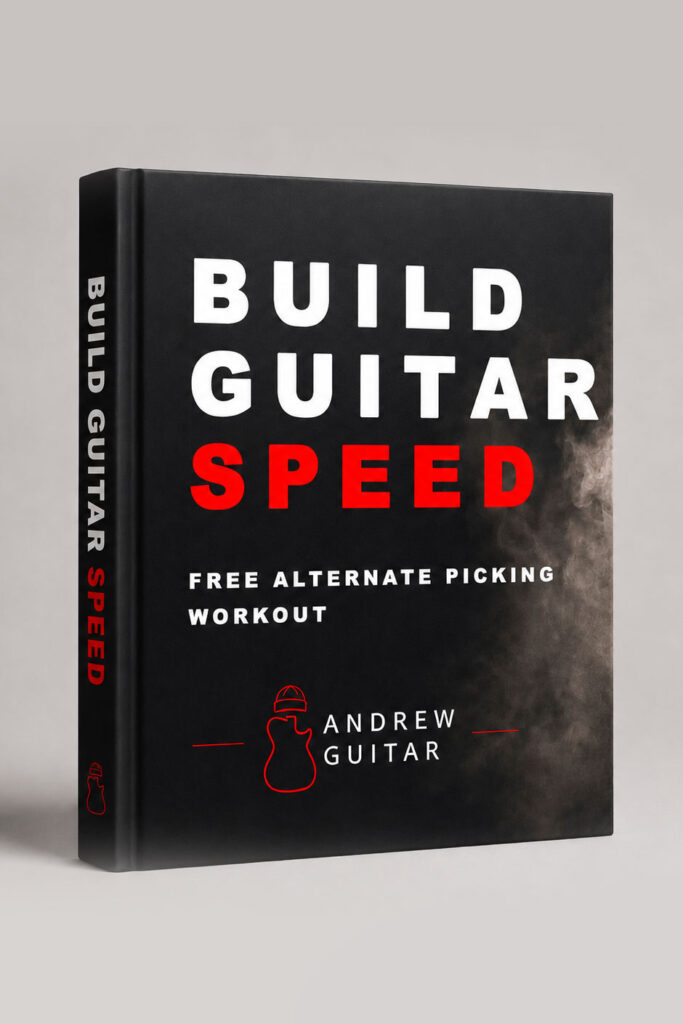
Want to Build Your Picking Speed?
The metronome gives you the tool. The Guitar Speed Builder gives you the workout.
Use my free progressive alternate picking workout to build speed without losing control. It includes TAB, Guitar Pro files, practice tracks from 55–100 BPM and a progress tracker.
Free workout • No payment required
What Can You Practice With This Metronome?
Alternate Picking
Start slowly, keep the down-up movement consistent and increase the BPM only while the motion stays controlled.
Hand Synchronization
Use a simple fretting pattern and listen for whether the pick and fretting finger arrive together on every note.
Rhythm & Timing
Practice riffs, accents and subdivisions while staying locked to the pulse.
Speed Training
Use Speed Bursts to move briefly above your comfortable tempo, then return to a controlled recovery section.
Guitar Technique Guides
Use the metronome together with these technique guides:
Picking Hand Position
How your wrist and picking-hand position can support or limit clean movement.
Alternate Picking String Changes
Why some string transitions feel easier than others — and how to practice both movements.
Alternate Picking Mistakes
Common technical problems that make picking less consistent and harder to speed up.
Wrist vs Forearm Picking
Understand where your picking motion comes from and how to keep it controlled.
Is this guitar metronome free?
Yes. The metronome is completely free to use directly in your browser. No signup or download is required.
What BPM range does it support?
The main metronome supports tempos from 30 to 300 BPM. Speed Bursts can use a burst tempo from 40 to 300 BPM.
What is Speed Bursts mode?
Speed Bursts alternates between a comfortable base tempo and short phrases at a faster BPM. It is designed for practicing higher-speed movement without forcing the entire exercise at the faster tempo.
What is Play / Rest mode?
Play / Rest alternates between a selected number of practice bars and rest bars. You can also mute the click during the rest section to challenge your internal sense of timing.
Can I use it on a phone?
Yes. The metronome runs directly in a modern web browser and is designed to work on both desktop and mobile devices.
Does it remember my settings?
Yes. Your metronome settings are stored locally in your browser, so they can be restored when you return on the same device and browser.
Found This Tool Useful?
I build these guitar practice tools and resources independently.
If this metronome helps your practice and you’d like to support the project, you can leave a small tip. It helps me keep building more free tools and guitar technique resources.
The metronome runs directly in your browser using the Web Audio API. Your practice settings are stored locally on your device. No audio files or third-party libraries are required.